FEATURED PRODUCT
AvailablePanoramas Studio
Database workspace for HarmonyOS PC
Connect, query, browse and export in one focused workspace for HarmonyOS PC.
- Version
- 1.0.0
- Released
- May 28, 2026
- Devices
- HarmonyOS PC · 2-in-1
- Minimum platform
- HarmonyOS 5+
- Availability
- Mainland China
- Age rating
- 3+
WHY IT EXISTS
A database workspace for learning, development, local SQLite workflows and lightweight data inspection on HarmonyOS PC and 2-in-1 devices.
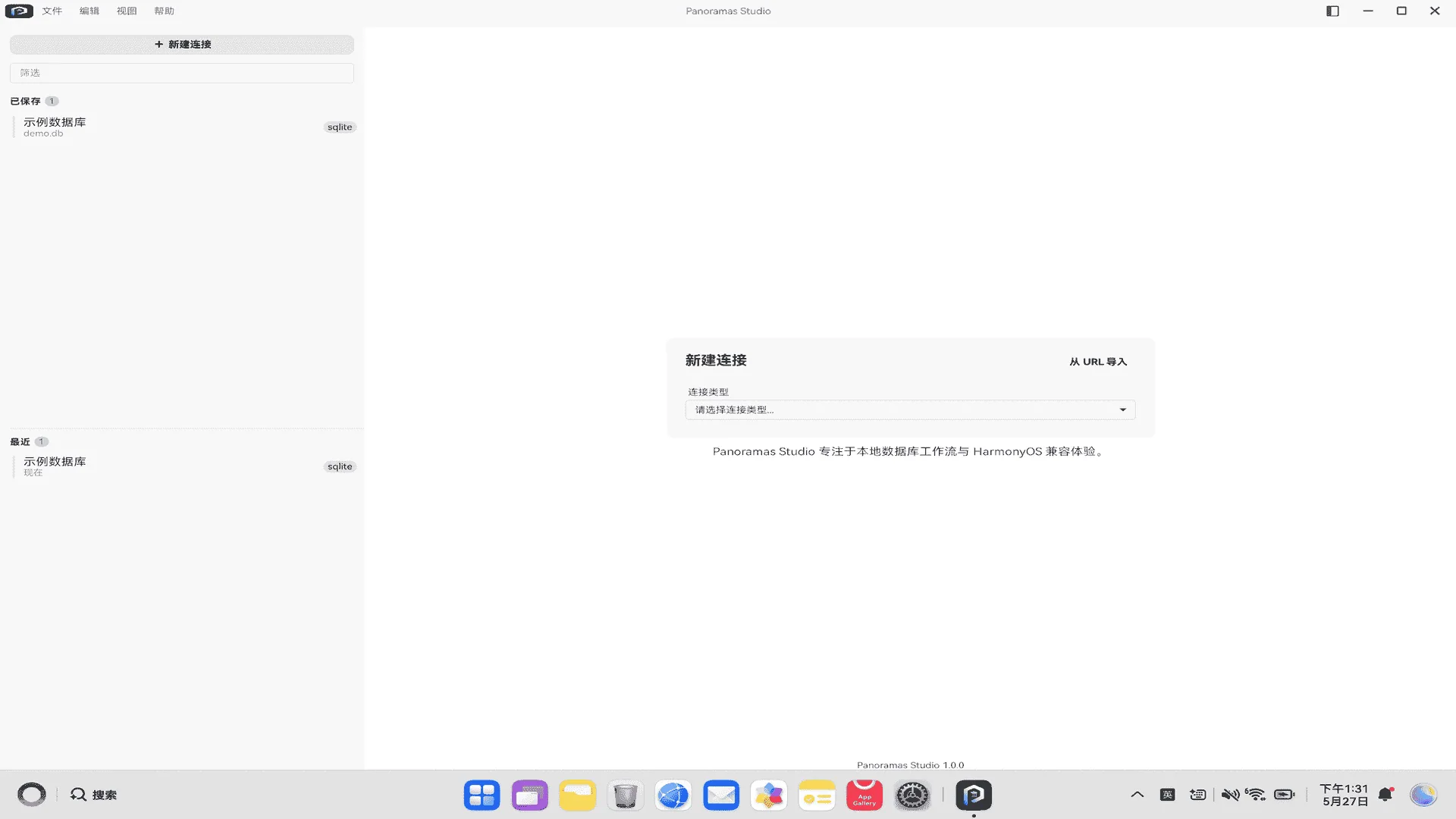
Create, save and reopen database connections
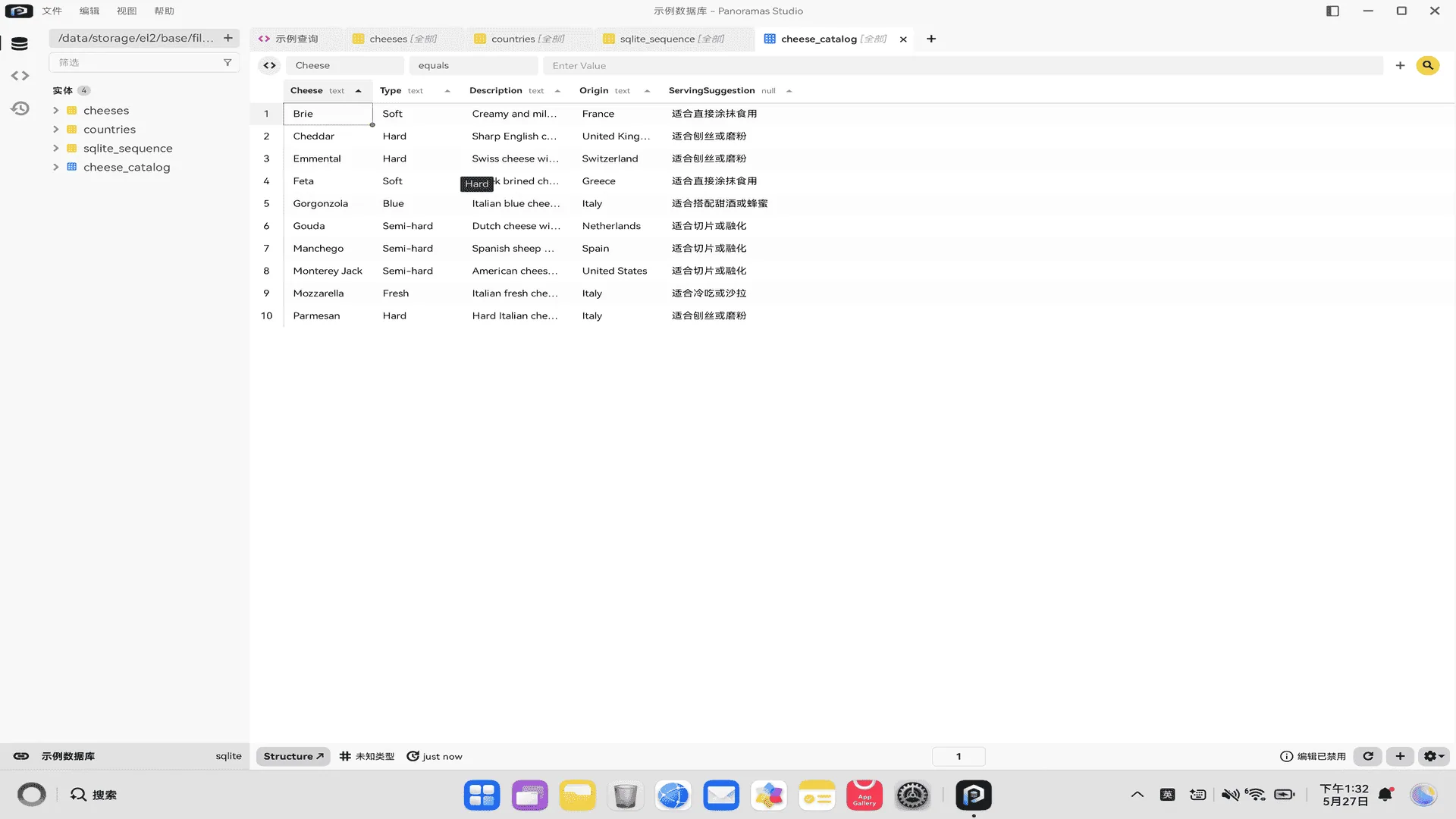
Browse databases, tables, views and object definitions
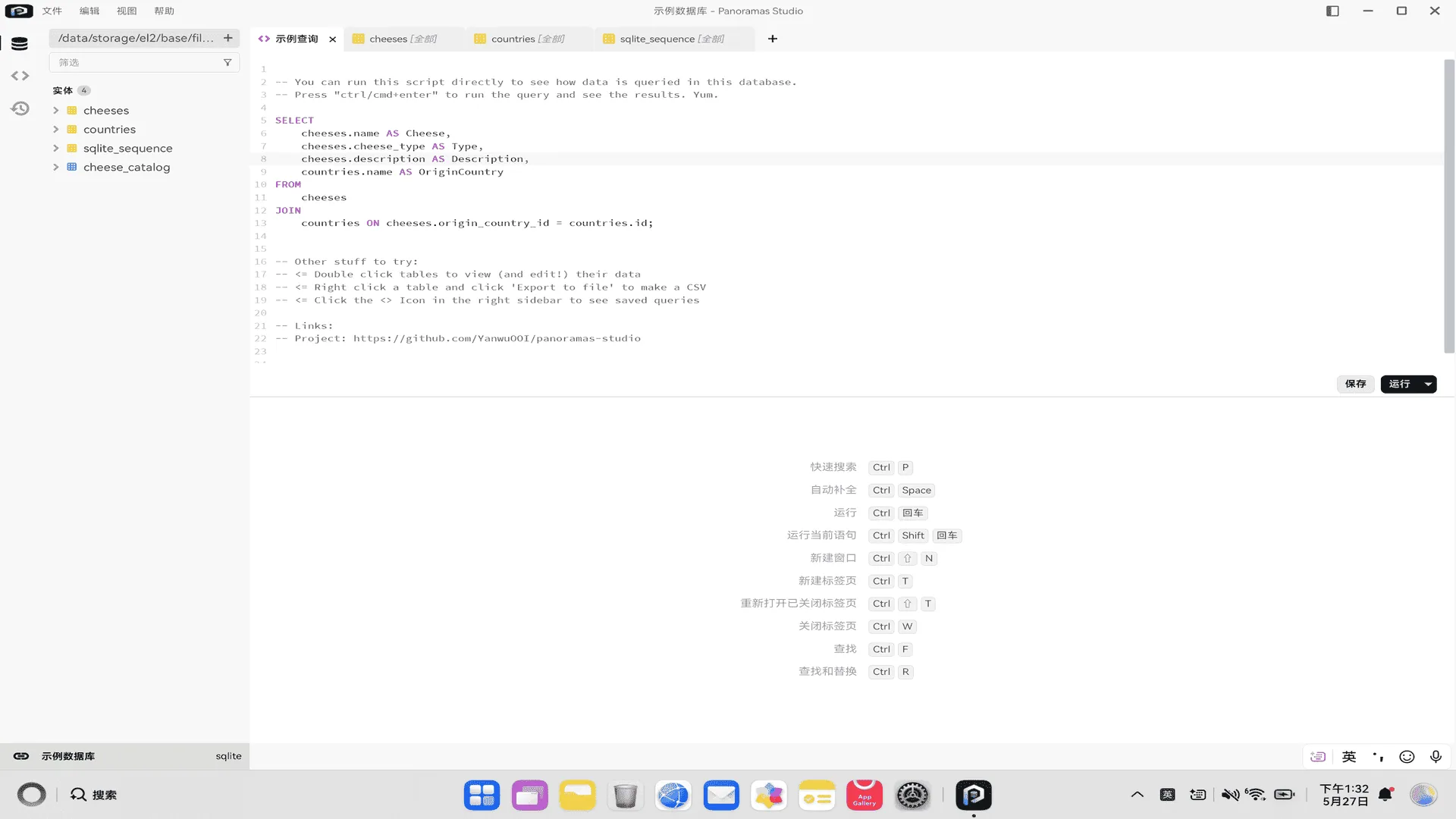
Write and execute SQL in a dedicated editor
Review, copy and export query results
Open local SQLite database files directly
A desktop experience adapted for HarmonyOS PC
A clear workspace for real database tasks.
OVERVIEW
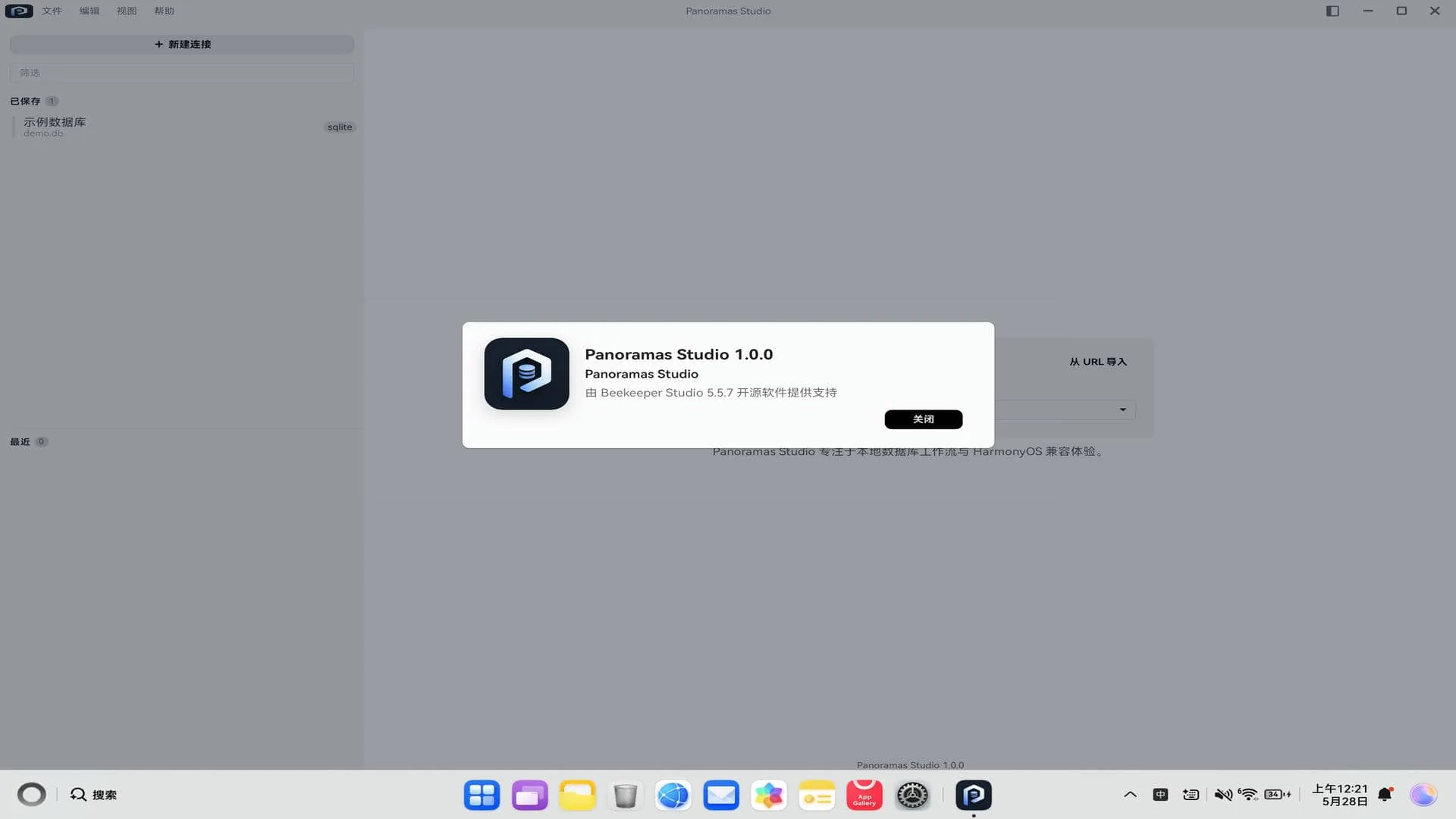
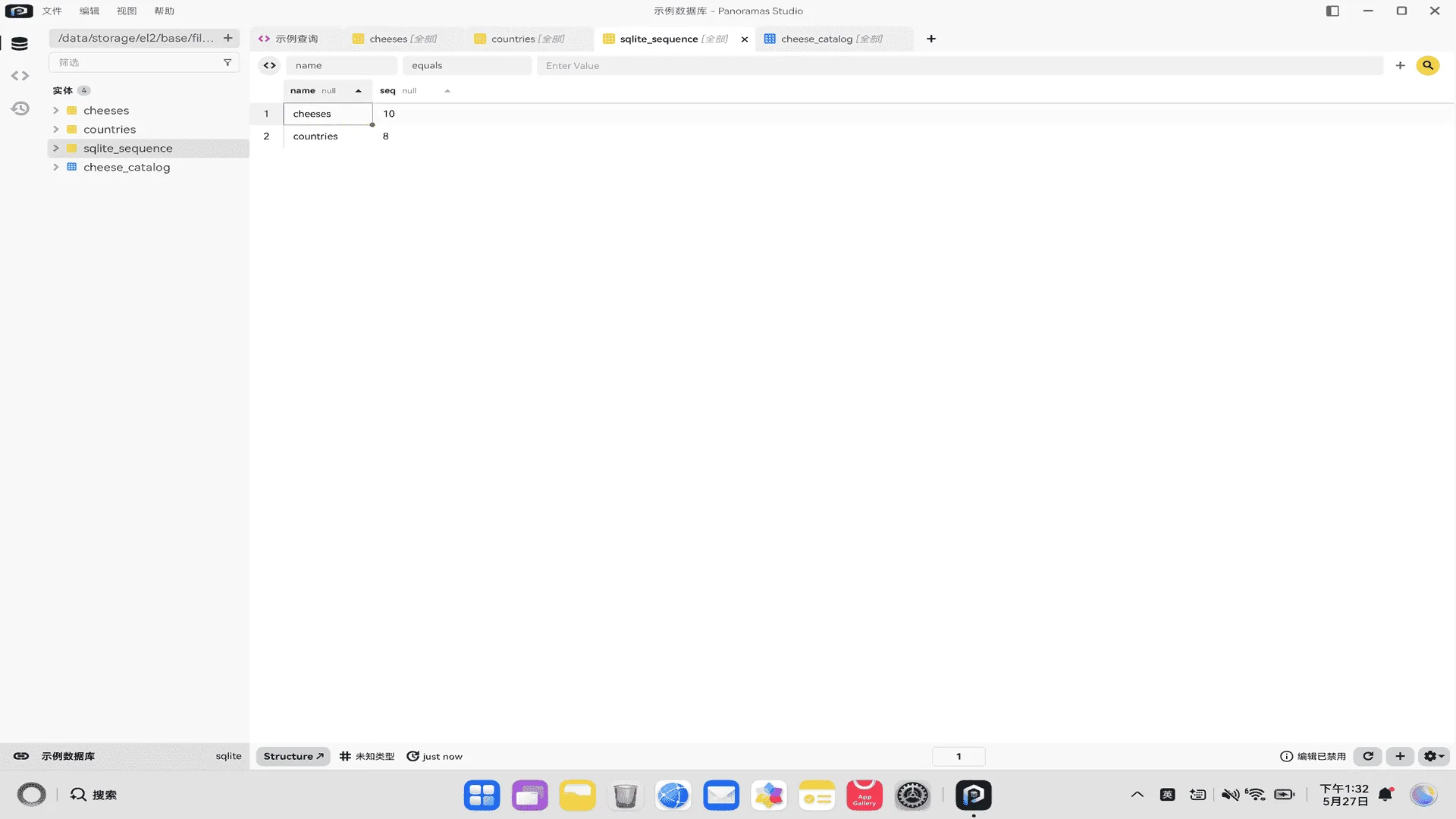
Panoramas Studio is a database workspace for HarmonyOS PC and 2-in-1 devices. It supports database learning, SQL editing, local SQLite workflows, lightweight inspection and everyday query tasks.
The current release focuses on practical SQLite, MySQL and PostgreSQL workflows. Users can manage connections, browse objects, execute SQL, copy results and export data to a local directory.
The experience is adapted for HarmonyOS desktop usage, including file picking, clipboard integration, local directory workflows and recent connection recovery.
TYPICAL WORKFLOW
- 01
Open a local SQLite file or create a MySQL / PostgreSQL connection
- 02
Browse databases, tables, views and columns
- 03
Write and run SQL, then inspect the result set
- 04
Copy results or export them to a local directory
PLATFORM
HarmonyOS PC · PC / 2-in-1 · SQLite · MySQL · PostgreSQL
Designed for HarmonyOS PC and 2in1 devices. Current AppGallery availability and system requirements are shown above.
PRIVACY HIGHLIGHTS
- Local files and folders are accessed only after the user chooses them
- The AppGallery privacy label states that the app does not collect personal information
- Local file access is not an upload; the public website never receives in-app database content
GET THE PRODUCT